Data Migration Explained:
Strategies, Risks & Best Practices
Every modernization project eventually runs into the same question: how do we move all this data without breaking the business? That’s where data migration comes in.
Whether you’re shifting from on-premises to the cloud, consolidating legacy systems, or replacing a core application, you need a disciplined approach for moving data safely, quickly, and with full confidence in the result.
This guide walks through what data migration is, common migration scenarios, how to plan, key risks to watch for, and the tools and services that can help you pull it off successfully.
1. What is data migration?
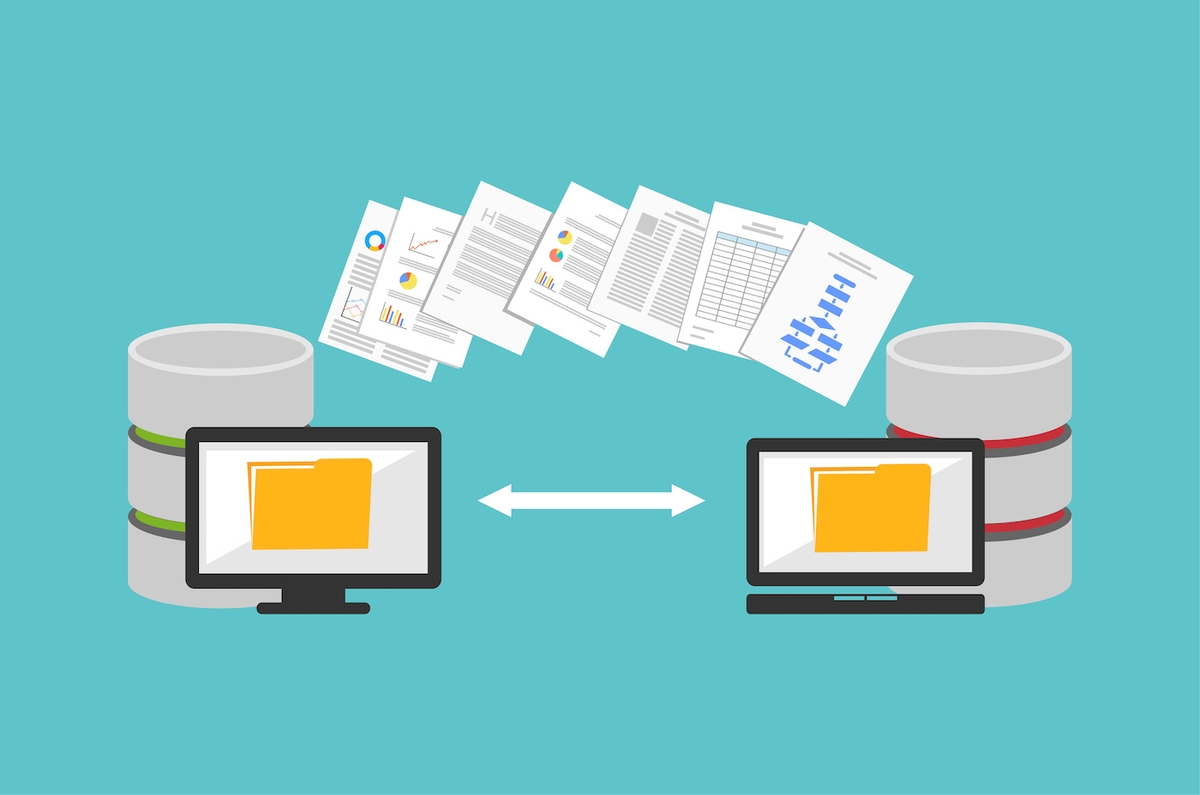
Data migration is the planned movement of data from one environment to another. That environment might be:
• A different storage technology (file servers → object storage)
• A new platform (on-premises database → cloud data warehouse)
• A new physical location (one data center → another)
• A new application (legacy CRM → modern SaaS platform)
Unlike simple file copying, a proper migration typically includes:
• Planning – understanding what data exists, where it lives, and who uses it
• Transformation – cleaning, reshaping, or reformatting as needed
• Transfer – actually moving the bits between environments
• Validation – confirming completeness, accuracy, and usability in the target
Data migration nearly always appears inside a larger initiative: cloud adoption, application modernization, M&A integration, or data platform consolidation. Done well, it’s a one-time effort that unlocks long-term value. Done poorly, it can introduce outages, data quality issues, and unexpected costs.
2. Common data migration scenarios
Not all migrations are created equal. Understanding the type of move you’re planning helps you choose the right strategy and tooling.
2.1 Moving to the cloud
Most organizations now run some combination of public cloud, private cloud, and on-premises systems. As workloads shift, data needs to follow.
Two broad patterns are used to move data into cloud environments:
Online transfer
• Data is sent over the network using the internet, VPN, or dedicated links.
• Works well for moderate volumes or steady, ongoing replication.
• Speed is limited by available bandwidth and competing traffic.
Offline transfer
• Data is copied to a physical device, then shipped to the provider.
• Useful for very large datasets when network transfer would take too long.
• Requires tight processes for encryption, logistics, and chain-of-custody.
The right approach depends on volume, time pressure, connectivity, and security requirements.
2.2 Database and warehouse migration
Moving a transactional database or analytical warehouse is more than copying tables. You also have to account for:
• Schema differences between source and target engines
• Data types, constraints, indexes, and stored procedures
• Application dependencies and connection strings
• Requirements for cutover with minimal downtime
Typically, the workflow looks like this:
1. Analyze and, if needed, translate the source schema to the target format
2. Migrate historical data in bulk
3. Set up change data capture (CDC) or incremental sync to keep systems in step
4. Validate data quality and performance
5. Switch applications over to the new database and decommission the old one
2.3 Data center and platform migrations
In a data center migration, you’re not just moving data—you’re moving the entire environment: applications, VMs, file shares, backups, networking, and more.
These projects are complex because:
• Cutover windows are often tight and business-critical
• There may be dependencies between dozens of systems
• Transfers can involve petabytes of data and weeks of lead time
Successful teams treat data center moves like major programs, not simple infrastructure tasks: they inventory systems, group related workloads, and plan migration waves with clear runbooks and rollback plans.
3. Key planning dimensions
Before you commit to a tool or method, step back and analyze three core dimensions. They will heavily influence your migration strategy and cost.
3.1 Nature of the workload
• Structured workloads – databases, warehouses, CRM, ERP
• Unstructured content – file shares, documents, media
• Virtualized or containerized workloads – VMs, Kubernetes clusters
• Backups and archives – cold or rarely accessed data
Each type has its own migration patterns and tools. Databases often rely on vendor utilities. Unstructured content might use file sync tools or object storage gateways. VMs and containers often leverage hypervisor- or platform-specific migration features.
3.2 Volume of data
• Small & medium (GBs to low TBs) – usually practical to move over the network.
• Large (tens to hundreds of TBs) – may require careful bandwidth planning or batch offline transfers.
• Very large (PB-scale) – often best handled with dedicated migration appliances or multi-phase hybrid strategies.
As a rough rule: the more data you have, the more likely you’ll combine approaches (initial offline bulk transfer plus online incremental sync) to hit your timeline without saturating production networks.
3.3 Time constraints
• Hard deadlines (lease end, contract expiry, compliance date)
• Gentle deadlines (cost optimization, strategic roadmap)
• Operational constraints (maintenance windows, peak usage hours)
If you need to move quickly and have strong connectivity, online transfer can be attractive. When bandwidth is constrained or the deadline is flexible, shipping encrypted devices can reduce impact on day-to-day operations.
4. Best practices for smoother migrations
No two migrations are the same, but the following principles consistently reduce risk and surprise.
4.1 Start with a clear inventory
• Catalog data sources, owners, consumers, and dependencies.
• Classify data by criticality (mission critical, important, nice-to-have).
• Flag sensitive data that has special security or regulatory needs.
4.2 Clean before you move
• Remove obsolete, duplicated, or low-value data where possible.
• Fix obvious data quality issues (invalid values, broken references).
• Normalize formats if the target platform expects different conventions.
4.3 Design for testing at every stage
• Define success criteria: record counts, checksums, business-level validations.
• Create test plans for both technical validation and user acceptance.
• Automate as many checks as possible so they can be rerun easily.
4.4 Communicate with stakeholders early and often
• Align on downtime windows and acceptable impact.
• Make sure data consumers know when and how systems will change.
• Provide clear points of contact during cutover and hypercare.
Tip: Treat migration as a chance to improve your data documentation. Use tools like Dataoma to capture lineage, ownership, and quality checks as you move—so the target environment is more transparent and trustworthy than the source.
5. Risks to anticipate
Migration risk can’t be eliminated, but it can be managed. Knowing where projects commonly fail helps you design better safeguards.
5.1 Security and privacy
• Unencrypted transfers or devices can expose sensitive data.
• Misconfigured access controls in the target can widen who can see what.
• Logs and temporary storage locations may inadvertently hold copies.
5.2 Incomplete or inconsistent data
• Missed tables, partitions, or files during selection.
• Records changed in the source during migration windows.
• Differences in collation, encoding, or data types causing truncation or conversion issues.
5.3 Performance and availability impact
• Network transfers starving production traffic of bandwidth.
• Heavy read loads on source systems during business hours.
• Longer-than-expected cutovers extending downtime.
5.4 Cost surprises
• Underestimating egress or transfer fees.
• Keeping migration appliances or licenses longer than planned.
• Running dual environments for longer than anticipated.
6. Tooling options
There is no single “best” migration tool. The right choice depends on your platforms, data types, and internal skills. Broadly, tools fall into three groups:
6.1 Platform-native migration tools
• Cloud providers typically offer utilities for moving databases, files, and VMs into their environments.
• These tools often support continuous replication, schema conversion, and integrity checks.
• Advantage: deep integration with the target platform and lower friction.
6.2 Third-party migration platforms
• Commercial tools focus on orchestrating larger or heterogeneous migrations.
• Many can handle DR, backup, and mobility scenarios in addition to one-time moves.
• Advantage: support for multiple clouds and on-prem platforms with one interface.
6.3 Open source and CLI utilities
• Command-line tools for copying files, syncing buckets, or replicating data sets.
• Often scriptable and easy to integrate into CI/CD or automation workflows.
• Advantage: flexibility and low cost, but they require more in-house expertise.
Whichever tooling you choose, pair it with monitoring and logging so you can trace what moved, when, and how long it took.
7. When to bring in migration services
For small, low-risk moves, your internal team and built-in tools may be enough. But for business-critical systems or very large migrations, it can be worth engaging specialists.
Reasons to consider external services:
• You’re short on in-house experience with large-scale migrations.
• The applications involved are mission critical with minimal tolerance for downtime.
• The environment is complex (many interdependent systems, regulatory constraints).
• You want a single partner accountable from planning through cutover and validation.
Service models range from advisory (helping you design the approach) to fully managed “white glove” migrations where a partner runs the project end to end. The latter is more expensive but can reduce risk significantly when the cost of failure is high.
Final thoughts
Data migration is more than a technical chore. It’s a pivotal step in every modernization journey, and it deserves the same level of planning and rigor as any major product launch.
By understanding your workloads, volumes, and timelines, applying solid best practices, and choosing the right mix of tools and services, you can move data with confidence—and use the migration as an opportunity to improve documentation, quality, and governance along the way.
Done well, you don’t just move data; you upgrade how your organization understands and trusts it.